
Bring Modbus equipment into your SNMP monitoring.
The MS0-MS makes mechanical and power equipment visible to IT monitoring. Modbus points become SNMP objects your network management system can poll and receive traps from.
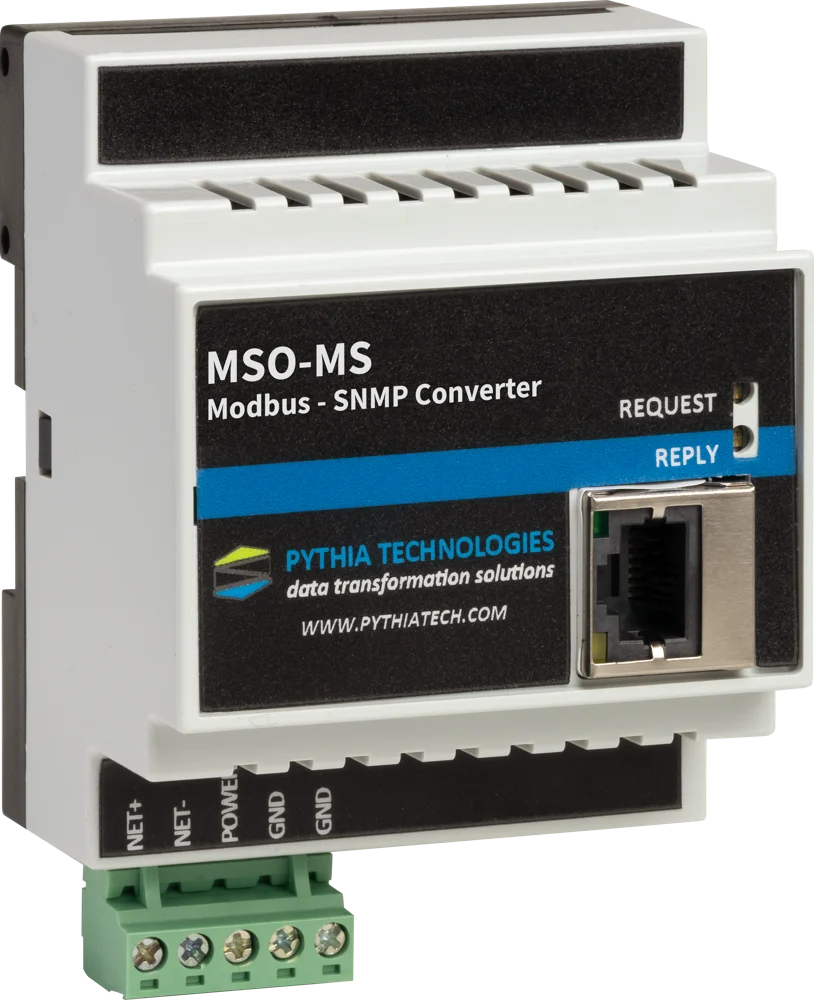
Facility equipment, in the tools IT already watches.
Generators, UPS systems and CRAC units usually speak Modbus. IT monitoring speaks SNMP. The MS0-MS sits between them and turns Modbus points into SNMP objects.
Modbus RTU and TCP
Reads Modbus devices over a hardened RS-485 port (1200–115200 baud) or over Modbus TCP.
SNMP for the NMS
Points appear as SNMP objects that SolarWinds or another SNMP platform can poll, with traps for alarms.
Browser setup
Configured from a web browser, with DHCP or a static IP address.
Industrial build
DIN-rail housing rated −40°C to 85°C, with communication and power LEDs.
Built for your equipment
Pre-configured builds are available for specific equipment. Call with the device and its Modbus register list.
No vendor software
Nothing to install on the NMS beyond your usual SNMP tools.
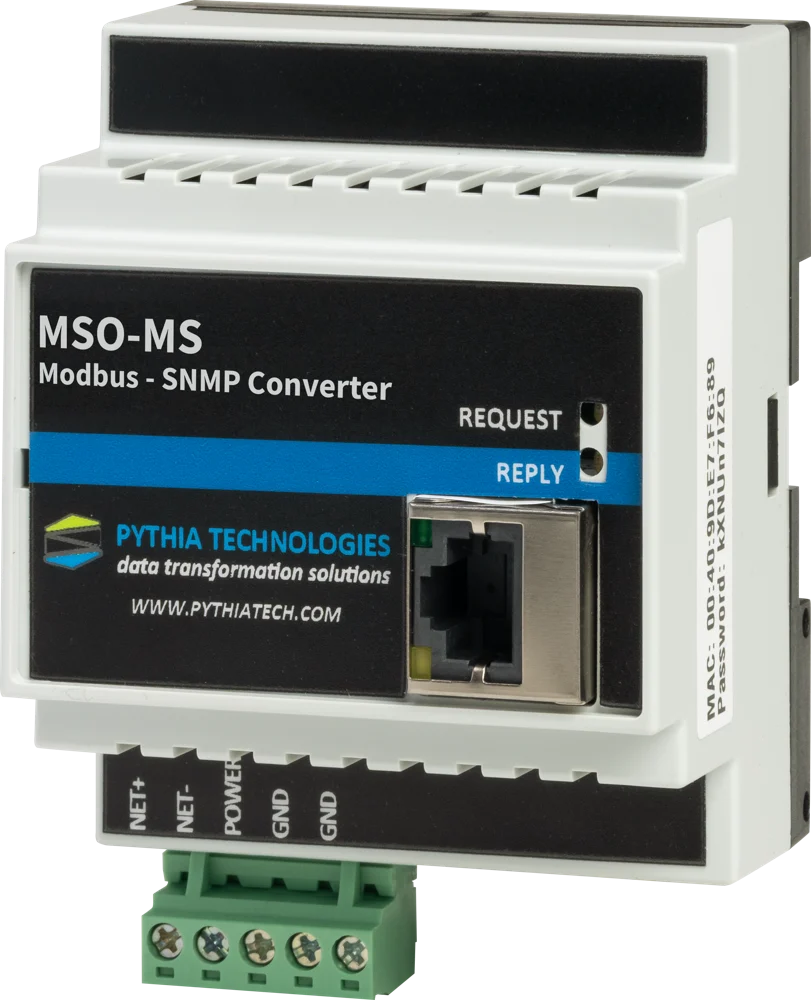
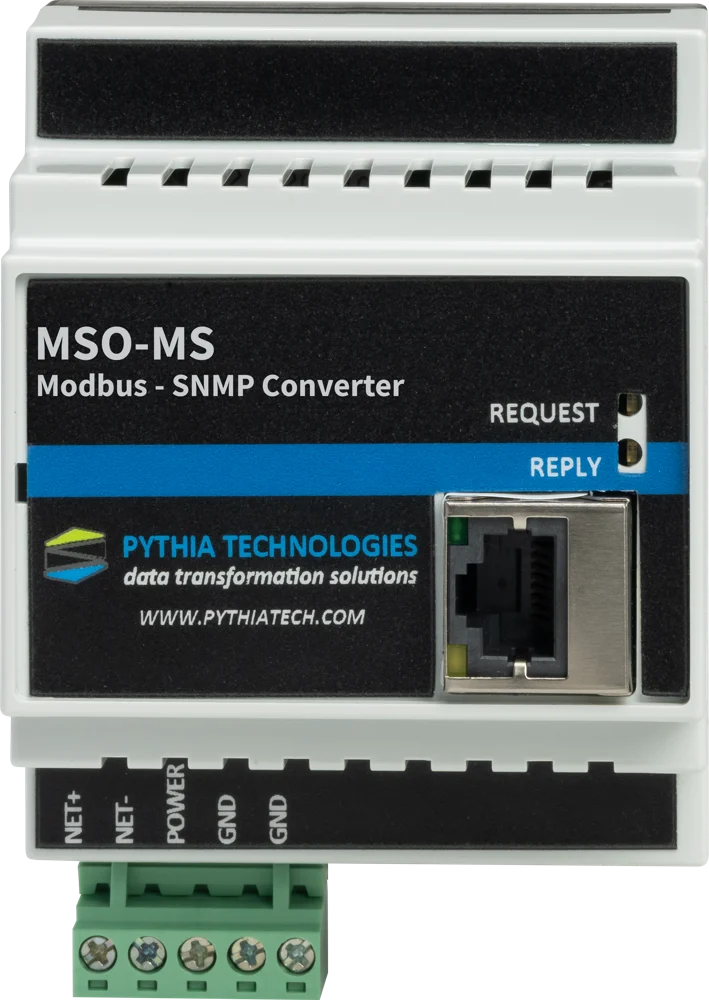
Power and cooling in the NOC.
Best for bringing generators, UPS systems and CRAC units into SolarWinds or another SNMP-based network management system.
Use it when IT needs to see facility equipment alongside servers and switches, without adding a building automation system. For BACnet equipment, use the MS0-BS.
MS0-MS specifications.
| Protocols | |
|---|---|
| Equipment side | Modbus RTU (RS-485) and Modbus TCP |
| Network side | SNMP |
| Connections | |
| Serial | Hardened RS-485, 1200–115200 baud |
| Network | Ethernet, RJ45; DHCP or static IP |
| Configuration | Web browser; no software to install |
| Power and environment | |
| Power input | 10–30VDC or 24VAC |
| Power supplies | Optional DIN-rail power supplies: 120VAC to 24VDC, and 24VAC |
| Operating temperature | −40°C to 85°C |
| Mounting | DIN-rail |
| Size | About 2.75 in wide × 4.0 in high |
Specifications are subject to change. Setup instructions are in the product guide, available on request.
One gateway per link, or one Pythia DM for the site.
A gateway is the right tool for one fixed connection between two systems. When a site has many devices in many protocols, the Pythia DM polls them all directly over BACnet/IP, Modbus/TCP, Modbus RTU, SNMP and more, adds alarms, trends and dashboards, and publishes everything to your BMS and NMS.
MS0-MS questions, answered.
What does the MS0-MS do?
It converts Modbus RTU and Modbus TCP to SNMP, so mechanical and power equipment becomes visible to IT network monitoring as SNMP objects.
Will it work with SolarWinds?
Yes. The MS0-MS is used to bring generators, UPS systems and CRAC units into SolarWinds or another SNMP-based NMS.
What serial settings does it support?
A hardened RS-485 port at 1200 to 115200 baud, plus Modbus TCP over Ethernet.
Do I need special software to set it up?
No. It is configured from a web browser, with DHCP or a static IP address.
What if my equipment speaks BACnet instead of Modbus?
Use the MS0-BS, which converts BACnet/IP and BACnet MS/TP to SNMP.
How much does the MS0-MS cost?
Call 740.363.2272 or contact us for pricing.
Not the right conversion?
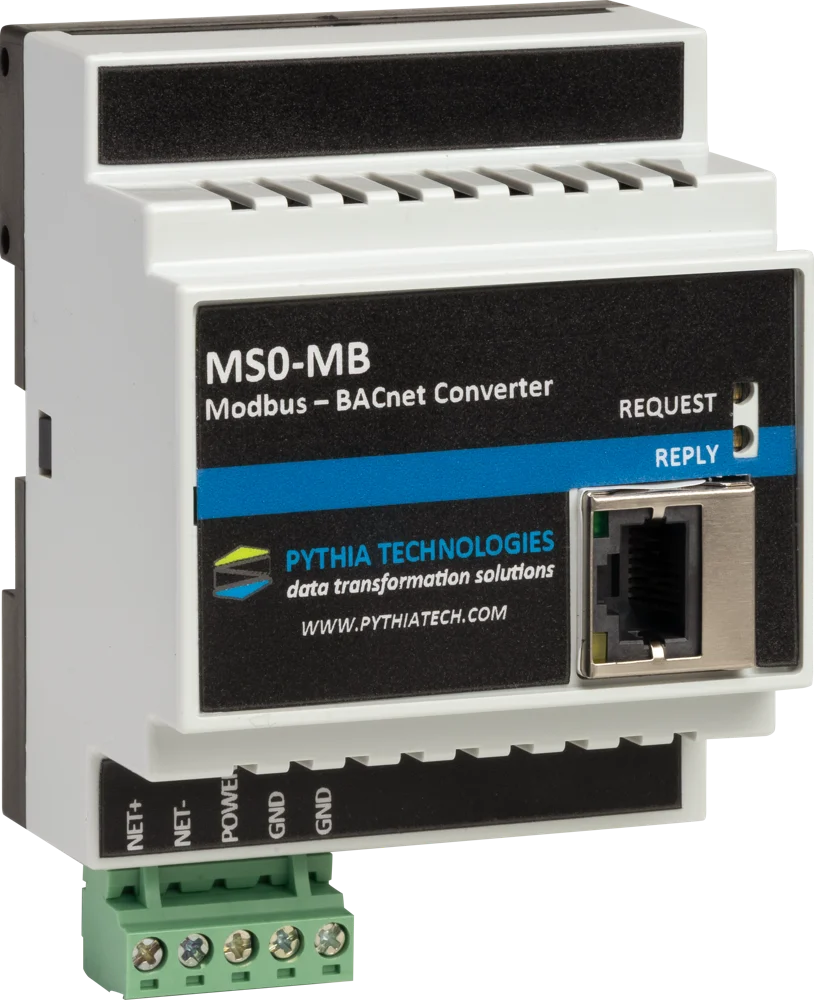
MS0-MB
Modbus RTU / TCP ↔ BACnet/IP
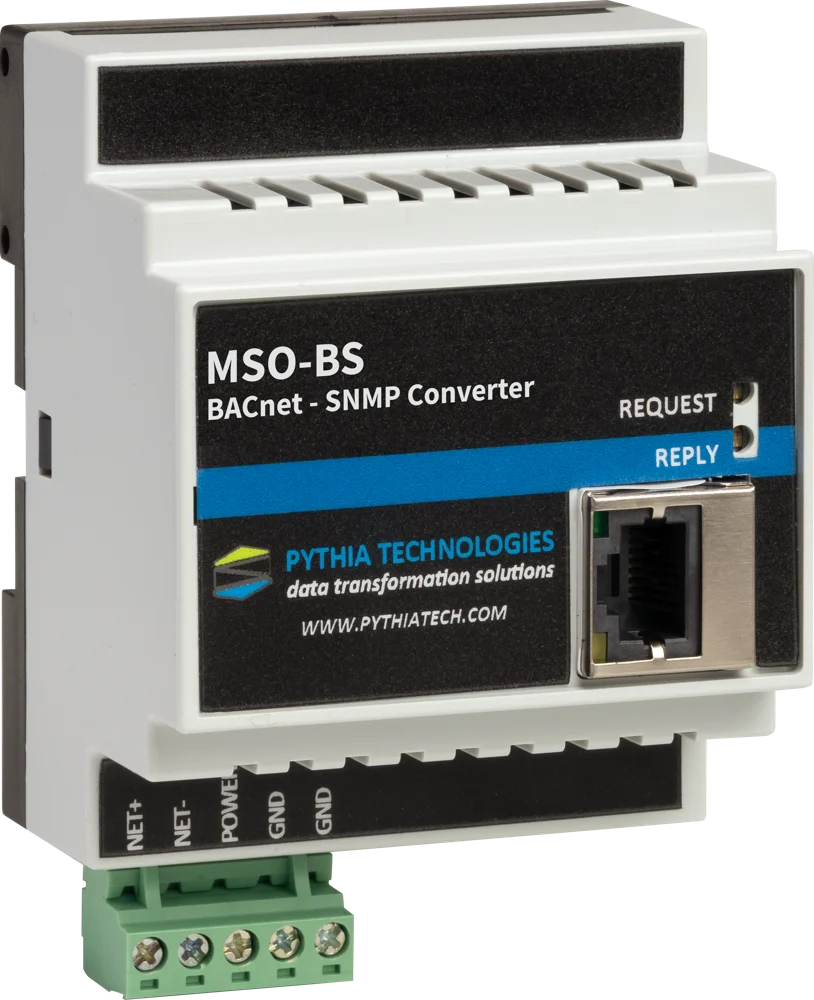
MS0-BS
BACnet/IP and MS/TP ↔ SNMP
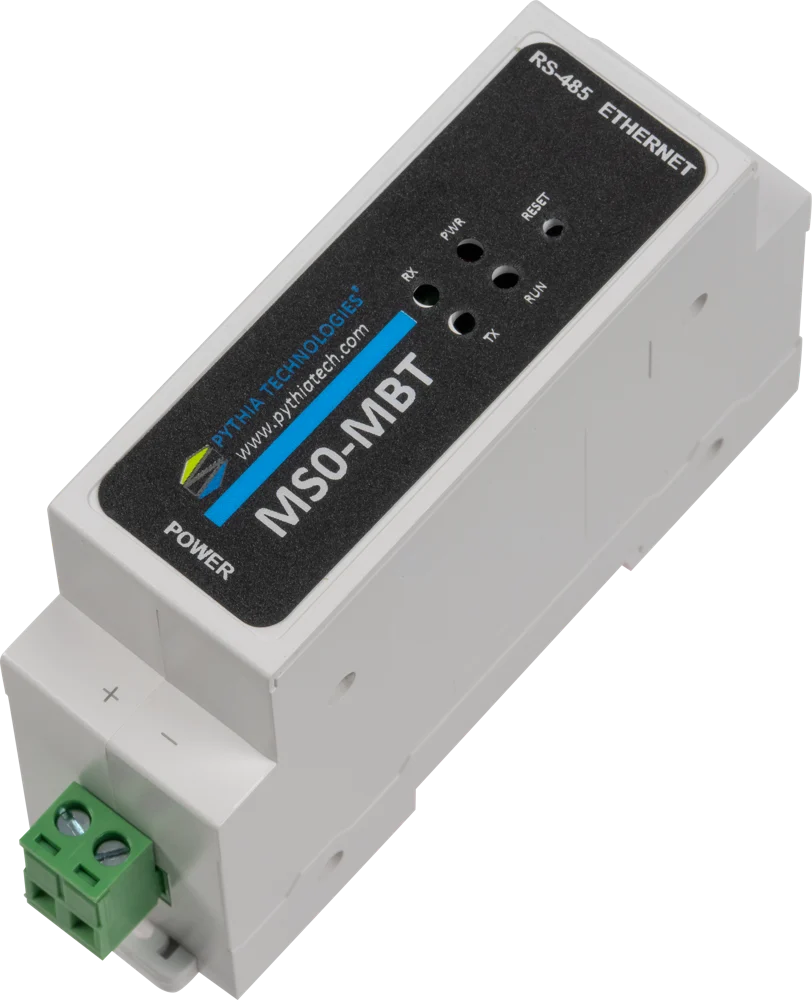
MS0-MBT and MS0-MBT3
Modbus RTU ↔ Modbus/TCP
See every gateway side by side on the Integration page, or call 740.363.2272 with the two systems you need to connect.