
Put serial Modbus devices on the network.
The MS0-MBT gateways move Modbus from a serial wire onto Ethernet. Nothing is translated: equipment on an RS-485 or RS-232 connection becomes reachable as Modbus/TCP across the network.
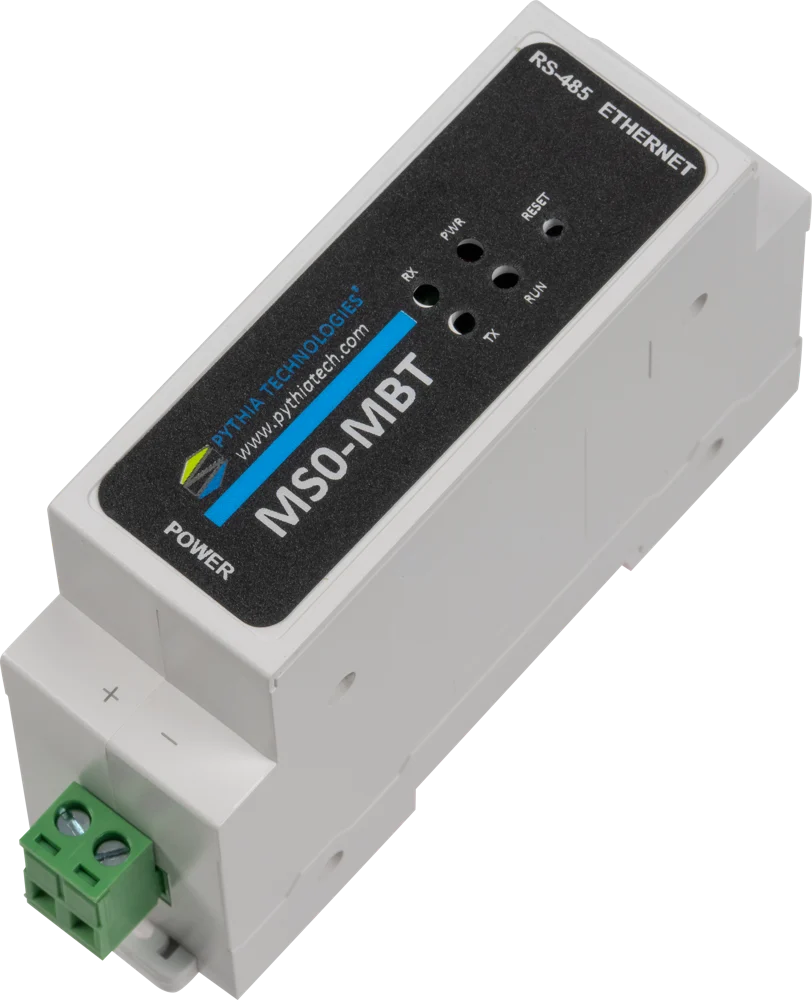
The same job, two form factors.
If two systems already speak Modbus but on different wires, you need a bridge, not a converter. A bridge is simpler and less expensive.
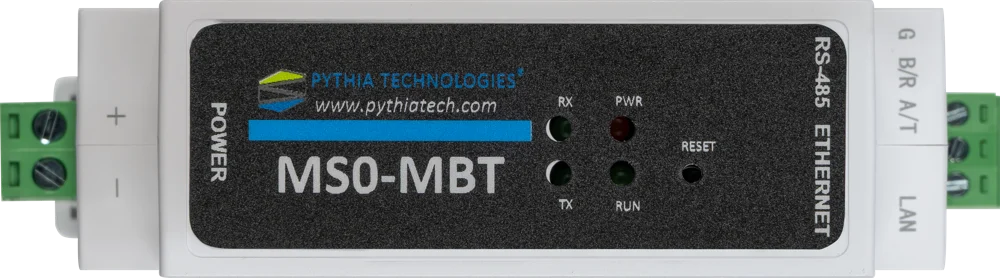
MS0-MBT
The compact DIN-rail Modbus/TCP gateway, built for RS-485 only and sized for the tightest panels. RS-485 screw terminals, 600–460800 baud, up to 3 simultaneous TCP clients. Best for straightforward RS-485 Modbus devices, tight panels and volume rollouts.
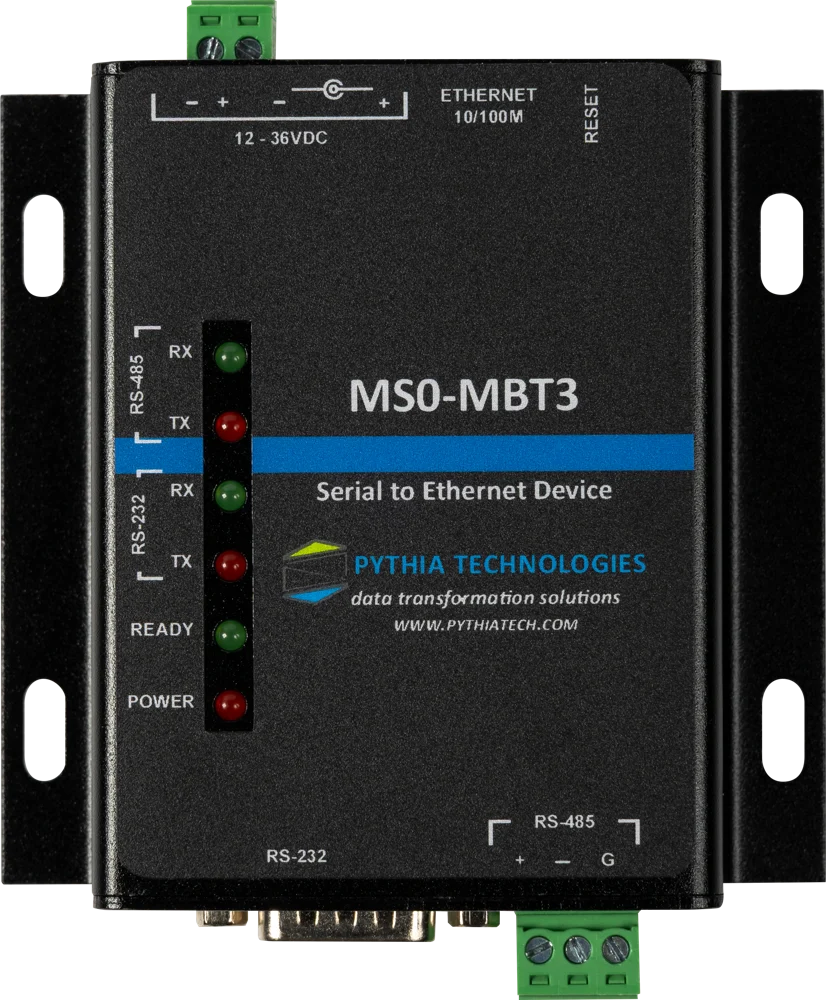
MS0-MBT3
A panel-mount Modbus/TCP gateway with both an RS-232 DB9 and an RS-485 terminal on the same unit. 600–230400 baud, including non-standard rates, up to 3 simultaneous TCP clients. Best for serial devices with a DB9 port, unusual baud rates, and Liebert IGM conversions.
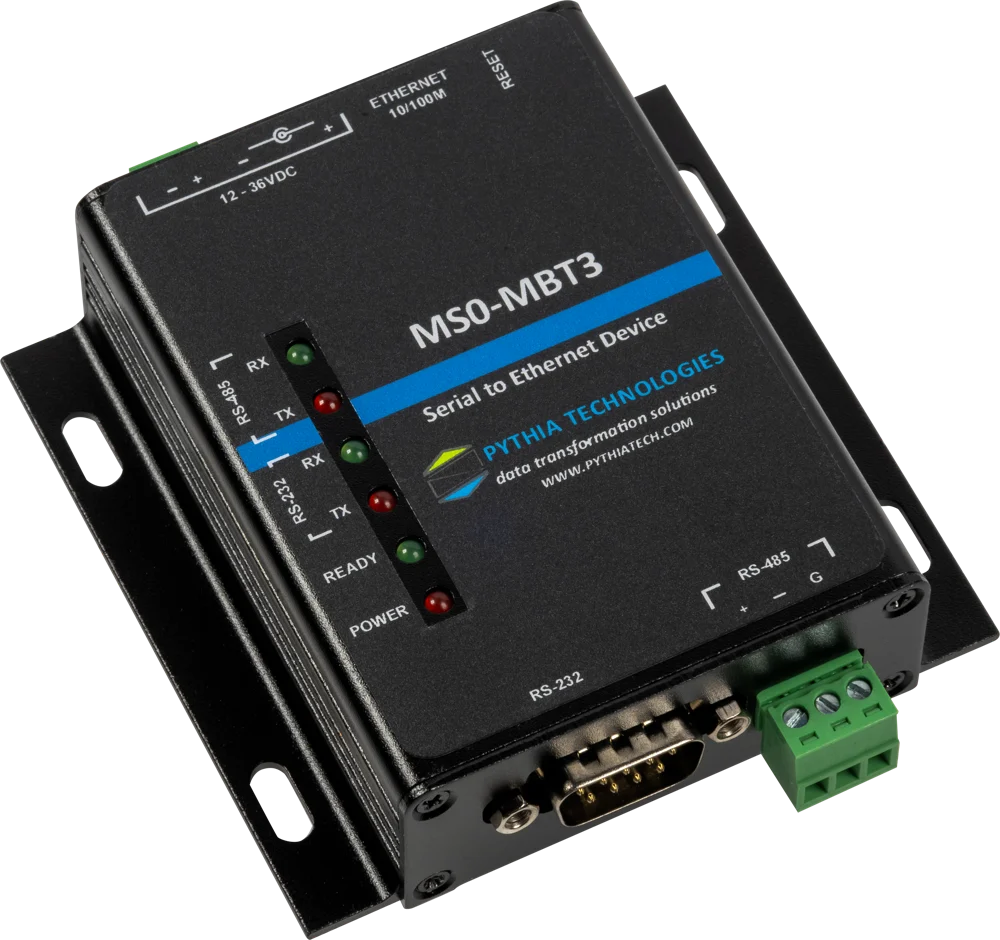
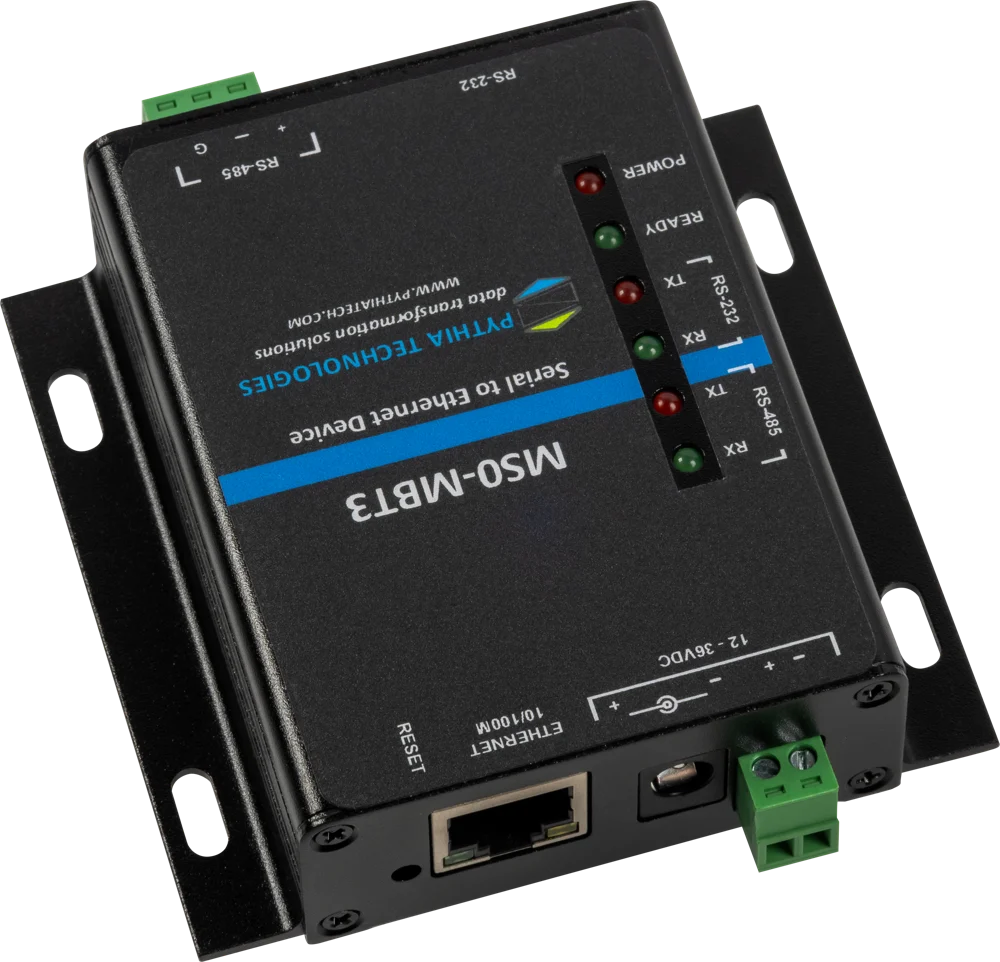
The MS0-MBT-IGM kit.
For Liebert IGM conversions, the MS0-MBT-IGM kit includes the gateway, power supply and wiring.
Where a Liebert unit allows it, a gateway can be fitted inside the unit and a network cable run back to a Smart Panel IGM. This is a good option when the existing IGM wiring is damaged or undocumented.
MS0-MBT specifications.
| MS0-MBT | |
|---|---|
| Serial | RS-485 screw terminals, 600–460800 baud |
| Network | Modbus/TCP, up to 3 simultaneous TCP clients |
| Power input | 12–36VDC |
| Mounting | DIN-rail |
| Operating temperature | −40°F to 185°F |
| MS0-MBT3 | |
| Serial | RS-232 DB9 plus RS-485 screw terminals |
| Baud rates | 600–230400, including non-standard rates |
| Network | Modbus/TCP, up to 3 simultaneous TCP clients |
| Power input | 12–36VDC |
| Mounting | Panel mount |
| Operating temperature | −40°F to 185°F |
| Both models | |
| Function | Modbus RTU to Modbus/TCP transport bridge; nothing is translated |
| Configuration | Web browser |
| Power supplies | Optional 120VAC to 24VDC DIN-rail supply |
Specifications are subject to change. Setup instructions are in the product guide, available on request.
One gateway per link, or one Pythia DM for the site.
A gateway is the right tool for one fixed connection between two systems. When a site has many devices in many protocols, the Pythia DM polls them all directly over BACnet/IP, Modbus/TCP, Modbus RTU, SNMP and more, adds alarms, trends and dashboards, and publishes everything to your BMS and NMS.
MS0-MBT questions, answered.
What is the difference between a bridge and a converter?
A converter maps points from one protocol into another, for example Modbus registers into BACnet objects. A bridge keeps the same protocol and moves it from a serial wire onto Ethernet. If both systems already speak Modbus, a bridge such as the MS0-MBT is simpler and less expensive.
Which model should I choose?
Choose the MS0-MBT for RS-485 devices in tight DIN-rail panels and volume rollouts. Choose the MS0-MBT3 for devices with an RS-232 DB9 port, unusual baud rates, or Liebert IGM conversions.
How many systems can poll it at once?
Up to 3 Modbus/TCP clients at the same time.
Can I use the RS-232 and RS-485 ports on the MS0-MBT3 at the same time?
Yes, but each port must be set to its own TCP port number; the two ports cannot share one.
What is in the MS0-MBT-IGM kit?
The gateway, a power supply and wiring, for Liebert IGM conversions.
How much does it cost?
Call 740.363.2272 or contact us for pricing.
Not the right conversion?
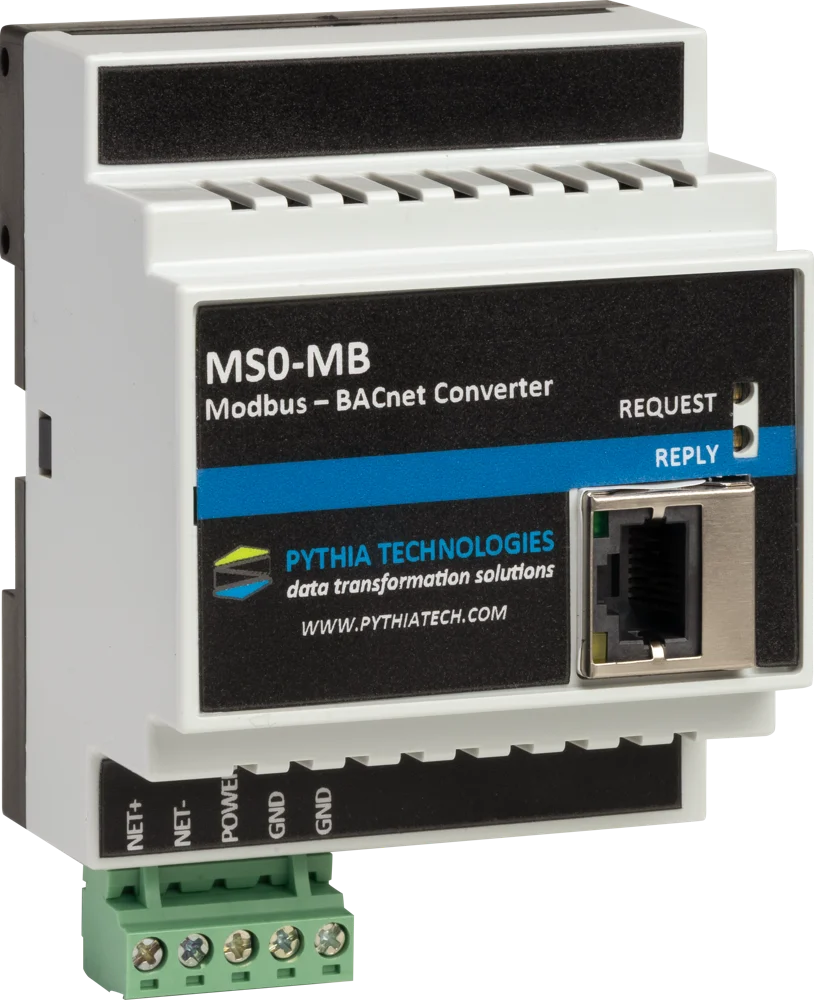
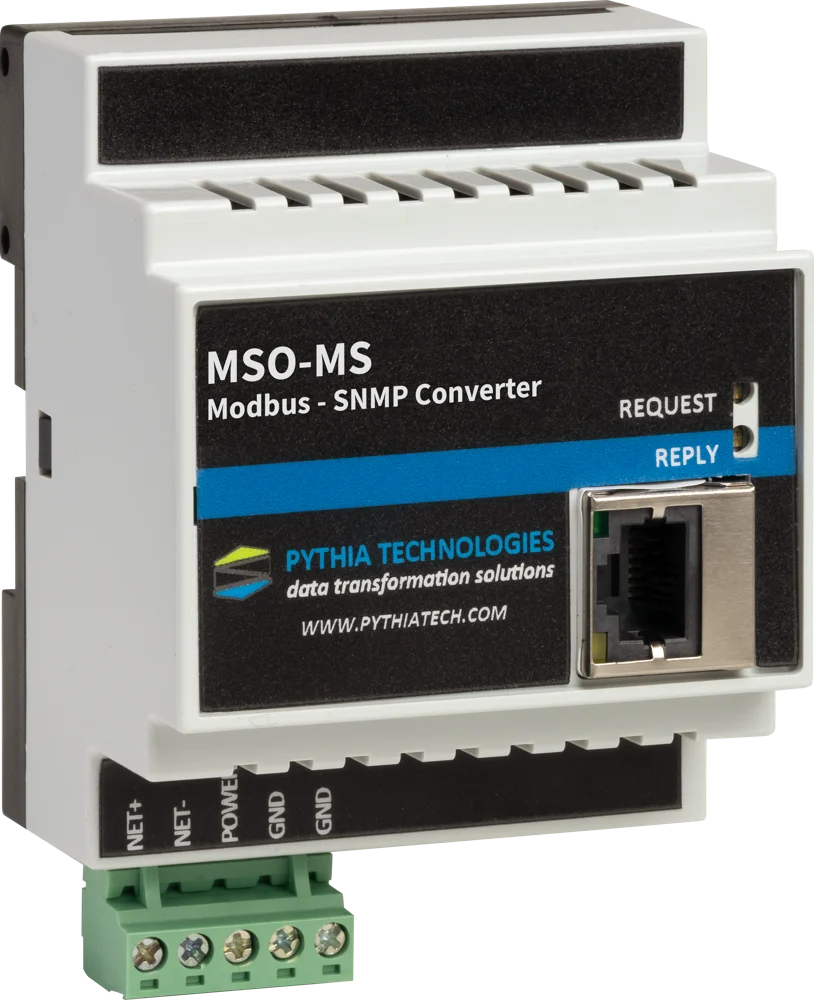
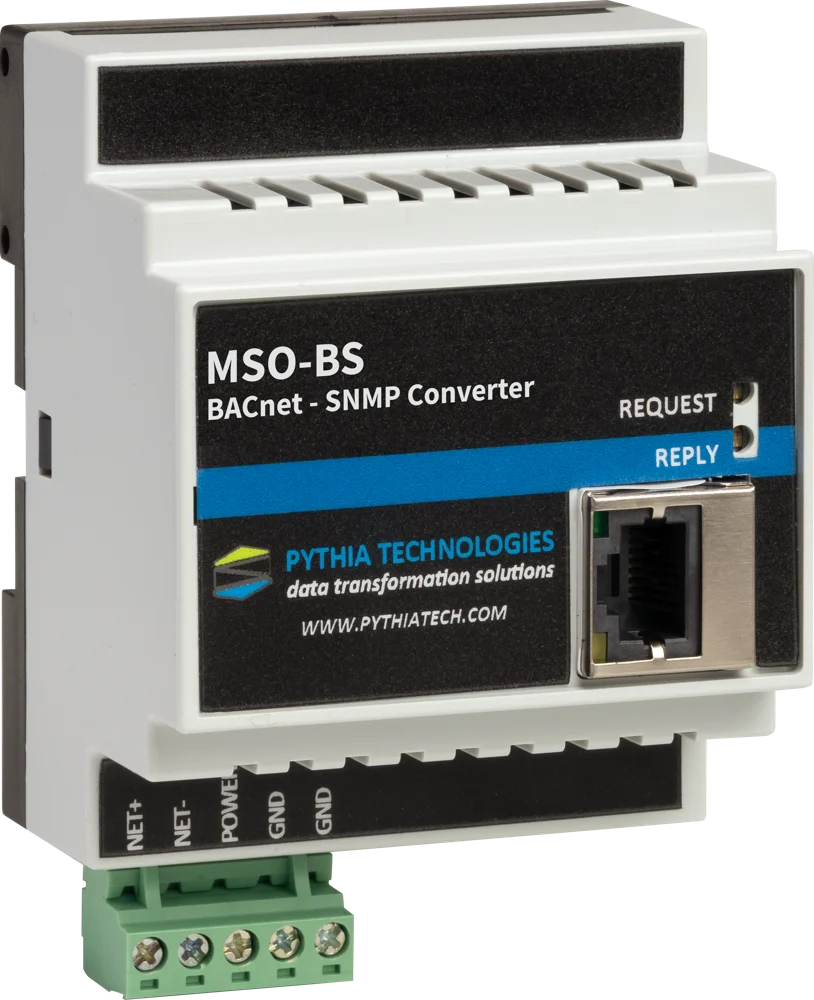
See every gateway side by side on the Integration page, or call 740.363.2272 with the two systems you need to connect.